Faster payroll preparation
Use configured BizCloud rules, records and visibility to make this outcome repeatable across the organisation.
BizCloud structures the monthly payroll process around configured employee data, income and deduction definitions, individual tax adjustments and a clear payroll generator.
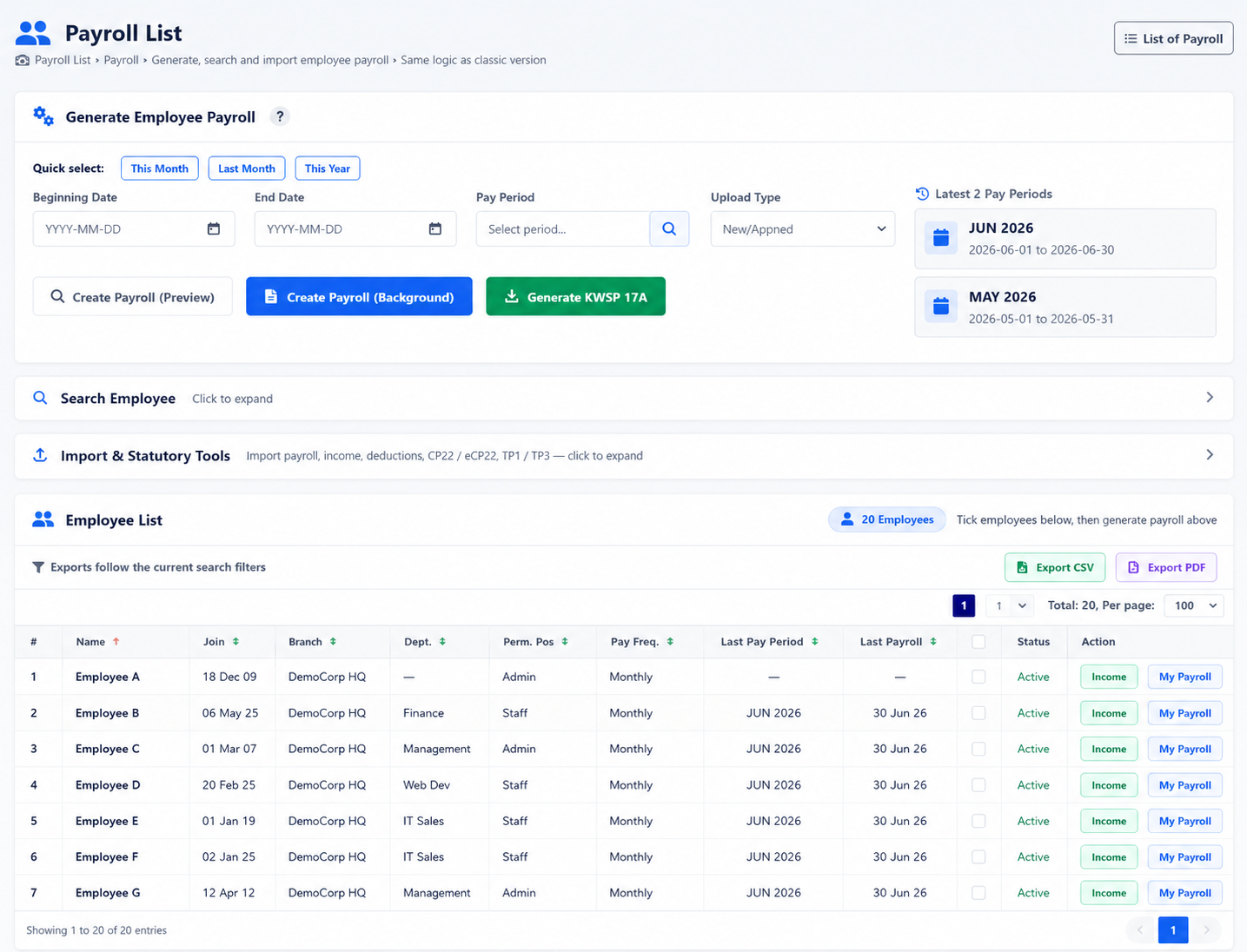
Configure income, deductions and employee-specific tax items before generating payroll in a controlled workflow.
Use configured BizCloud rules, records and visibility to make this outcome repeatable across the organisation.
Use configured BizCloud rules, records and visibility to make this outcome repeatable across the organisation.
Use configured BizCloud rules, records and visibility to make this outcome repeatable across the organisation.
These functions come directly from the current BizCloud system and the supplied module information.
Discuss this capabilityGenerate payroll from a structured employee payroll list.
Maintain reusable payroll income definitions.
Maintain tax and other payroll deduction definitions.
Set relevant tax deductions individually for an employee.
Review the payroll layout before completing the payroll run.
Seed standard payroll data to accelerate initial setup.
Keep completed payroll runs available in the payroll list.
BizCloud combines setup rules, employee or manager actions, automated processing and controlled follow-up.
Prepare the income, deduction and statutory settings used in payroll.
Confirm employee-specific amounts and deductions for the period.
Calculate the pay period through the governed payroll generator.
Inspect the payroll layout and keep the final record in the payroll list.
Each screenshot corresponds directly to this workflow and can be enlarged for a closer look.