Less marking work
Use configured BizCloud rules, records and visibility to make this outcome repeatable across the organisation.
Automatically mark eligible questions, let authorised users review written responses and begin with KPI content spanning operational and professional roles.
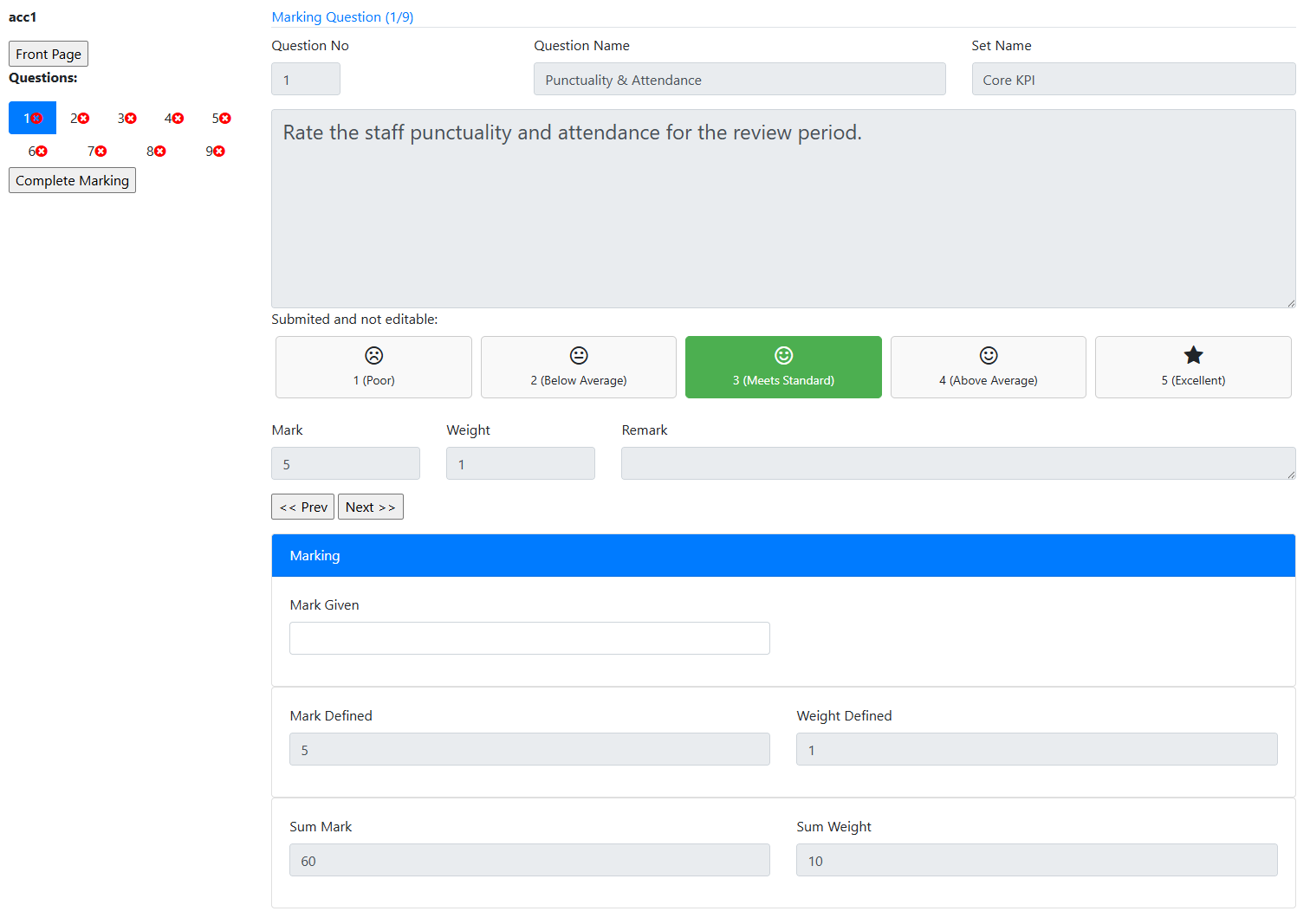
Combine automatic and manual marking with ready-to-seed KPI content across many job functions.
Use configured BizCloud rules, records and visibility to make this outcome repeatable across the organisation.
Use configured BizCloud rules, records and visibility to make this outcome repeatable across the organisation.
Use configured BizCloud rules, records and visibility to make this outcome repeatable across the organisation.
These functions come directly from the current BizCloud system and the supplied module information.
Discuss this capabilityManually mark employee assessment answers.
Review and mark answers from anonymous or general respondents.
Automatically mark eligible answers on submission.
Allow an administrator to trigger automatic marking.
Seed KPI assessment content across operations, sales, finance, HR, IT, engineering, construction, logistics, production and more.
Print an unanswered assessment for controlled use.
Print completed KPI answers for review and marking.
BizCloud combines setup rules, employee or manager actions, automated processing and controlled follow-up.
Capture answers from an employee or general participant.
Calculate results for objective answer types.
Allow HR, supervisors or administrators to apply judgement.
Produce answered assessments for offline review and record handling.
Each screenshot corresponds directly to this workflow and can be enlarged for a closer look.